
Centered Modal
A centered modal is a special type of highlight that displays a popover in the center of the screen without targeting any specific element. This is perfect for welcome messages, announcements, or introductory text before a tour begins.
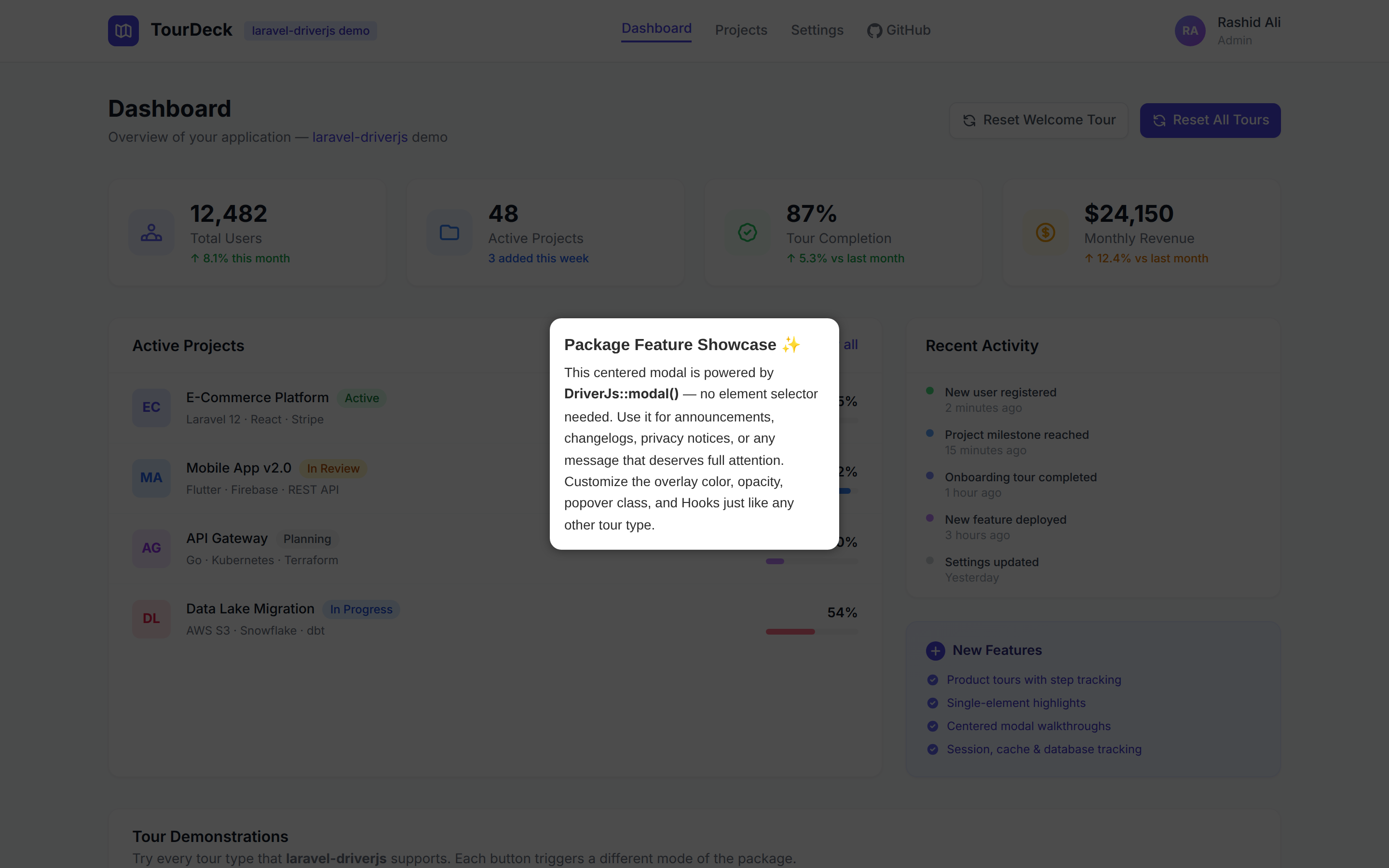
Method Signature
php
DriverJs::modal(string $title, string $description = '');or
php
driverjs()->modal(string $title, string $description = '');Parameters
$title(string): Modal title text.$description(string, optional): Modal description text.
Example
Using DriverJs::modal():
php
use RealRashid\LaravelDriverJs\Facades\DriverJs;

DriverJs::modal('Welcome to Our App!', 'Let us show you around and help you get started.')
    ->render();
Using the driverjs() helper:
php
driverjs()
    ->modal('Welcome!', 'This quick tour will help you get familiar with the app.')
    ->render();
Customizing the Modal
You can customize the overlay appearance for modals just like any other Driver.js instance:
php
DriverJs::modal('Welcome!', 'Let us show you around.')
    ->overlayColor('#1a1a2e')
    ->overlayOpacity(0.85)
    ->animate(true)
    ->render();
Using Modal as a Tour Intro
A common pattern is to show a centered modal as the first step of a tour, then guide the user through specific elements. You can achieve this by using addStep() without an element for the first step:
php
DriverJs::tour('onboarding')
    ->showProgress()
    ->addStep()  // No element = centered modal
        ->title('Welcome to Our App!')
        ->description("Let's take a quick tour of the key features.")
    ->addStep('#nav')
        ->title('Navigation')
        ->description('Use these links to navigate between pages.')
    ->addStep('#content')
        ->title('Content Area')
        ->description('This is where your main content lives.')
    ->render();
Details
- When using
modal(), no DOM element is targeted. Driver.js creates an invisible "dummy element" at the center of the viewport and positions the popover there. - Navigation buttons are automatically hidden for modals (since there's only one step). This matches the default Driver.js behavior.
- The popover side is set to
"over"automatically for centered popovers, which hides the arrow pointer.
That's it! You're now equipped to create centered modals using Laravel Driver.js.