
 Headless by Design
Beam ships no call screen, no incoming-call modal, and no CSS. It ships the class that makes a call work and the events that tell you what is happening; the pixels are yours.
Why
Every application already has a design system, a component library, and an opinion about where the mute button goes. A call screen that ships with a package is either ignored or fought. What every application lacks is the twelve things a hand-rolled WebRTC implementation gets wrong — glare, queued candidates, ICE restarts, autoplay policy, Safari's codecs, a tab coming back from the background — and that is what Beam ships.
What you get instead
- A
Callobject with state (ringing,connecting,connected,reconnecting,ended), events for every change, and controls (mute(),cameraOff(),switchCamera(),shareScreen(),setSpeaker(),hangUp()). attach({ local, remote }), which takes a selector, an element or a jQuery object and puts the streams in your<video>tags.- An
Incomingobject fromBeam.onIncoming()with the caller, theaboutline, andanswer()/decline(); render whatever you like around it. - Adapters that express all of that in Vue's and React's idioms, and a jQuery plugin.
A starting point when you want one
php artisan beam:install --viewscopies a working call screen and an incoming-call modal into resources/views/beam/ — and, when package.json says your app has Vue or React, a Call.vue or Call.jsx page too. They are plain, documented, and yours: Beam never renders them and never overwrites them without --force.
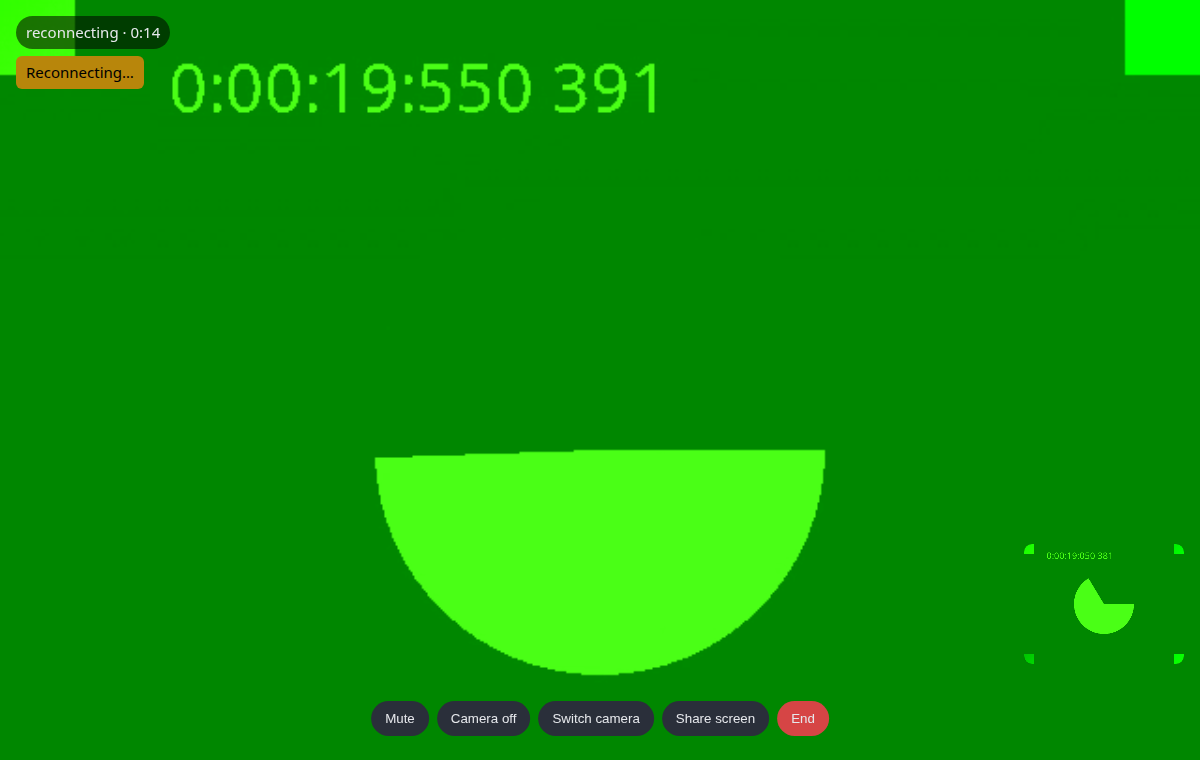
The copied call screen is what the browser rig tests, so it connects, counts seconds, mutes and hangs up on the day you copy it.
beam:install --views is the friendly front for a publish tag; php artisan vendor:publish --tag=beam-views copies the same Blade views on their own, which is what you want in a deployment script or when you only ever wanted the markup.
Made with ❤️ from Pakistan