Position
SweetAlert2 supports fifteen positions for placing dialogs and toasts on the screen. The HasPosition trait provides both a generic position() method and convenient shorthand methods for each position, including six physical aliases (topLeft, topRight, etc.).
Using the Position Method
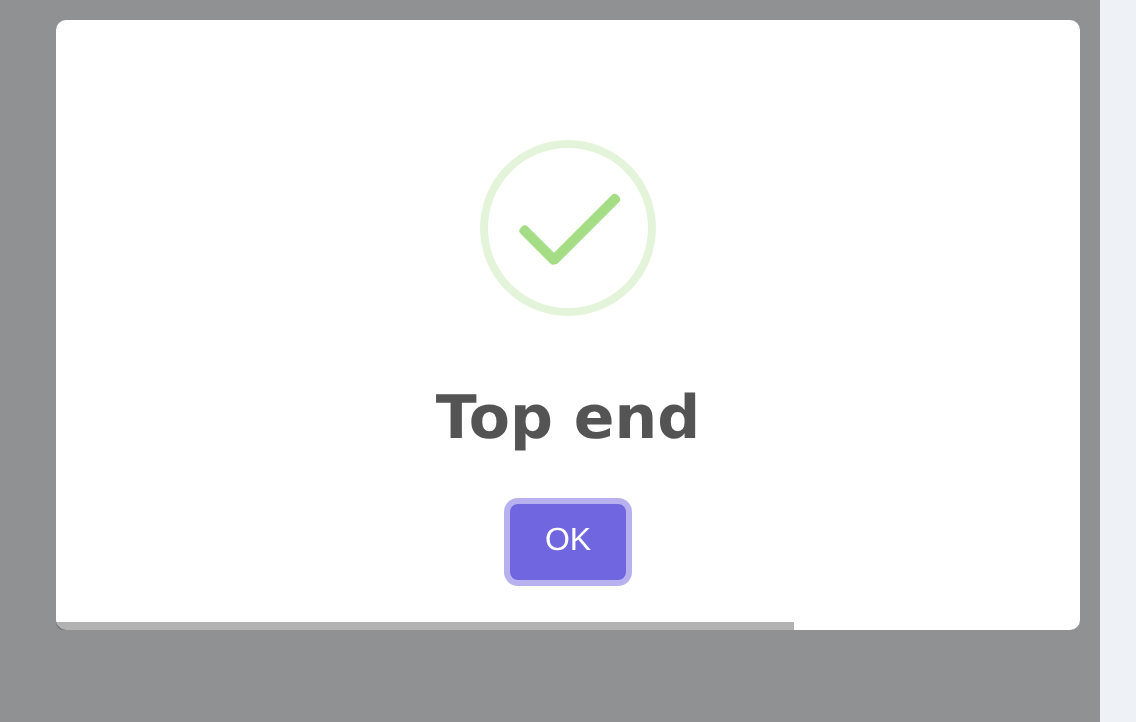
Pass a string or Position enum value to the position() method:
php
use RealRashid\SweetAlert\Enums\Position;

Alert::title('Hello')
    ->position('top-end')
    ->flash();

Alert::title('Hello')
    ->position(Position::TopEnd)
    ->flash();
Available Positions
| Enum Value | String Value | Location |
|---|---|---|
Position::Top | 'top' | Top center |
Position::TopStart | 'top-start' | Top left |
Position::TopEnd | 'top-end' | Top right |
Position::Center | 'center' | Center (default for modals) |
Position::CenterStart | 'center-start' | Center left |
Position::CenterEnd | 'center-end' | Center right |
Position::Bottom | 'bottom' | Bottom center |
Position::BottomStart | 'bottom-start' | Bottom left |
Position::BottomEnd | 'bottom-end' | Bottom right |
Position::TopLeft | 'top-start' | Alias for TopStart |
Position::TopRight | 'top-end' | Alias for TopEnd |
Position::CenterLeft | 'center-start' | Alias for CenterStart |
Position::CenterRight | 'center-end' | Alias for CenterEnd |
Position::BottomLeft | 'bottom-start' | Alias for BottomStart |
Position::BottomRight | 'bottom-end' | Alias for BottomEnd |
Shorthand Methods
Every position has a shorthand method. The six physical aliases (topLeft, topRight, etc.) map to the same SweetAlert2 values as their Start/End counterparts:
php
// Top positions
Alert::toast('Top center', 'info')->top()->flash();
Alert::toast('Top left', 'info')->topStart()->flash();
Alert::toast('Top right', 'info')->topEnd()->flash();
Alert::toast('Top left', 'info')->topLeft()->flash();    // alias for topStart
Alert::toast('Top right', 'info')->topRight()->flash();   // alias for topEnd

// Center positions
Alert::title('Centered')->center()->flash();
Alert::title('Center left')->centerStart()->flash();
Alert::title('Center right')->centerEnd()->flash();
Alert::title('Center left')->centerLeft()->flash();   // alias for centerStart
Alert::title('Center right')->centerRight()->flash();  // alias for centerEnd

// Bottom positions
Alert::toast('Bottom center', 'info')->bottom()->flash();
Alert::toast('Bottom left', 'info')->bottomStart()->flash();
Alert::toast('Bottom right', 'info')->bottomEnd()->flash();
Alert::toast('Bottom left', 'info')->bottomLeft()->flash();    // alias for bottomStart
Alert::toast('Bottom right', 'info')->bottomRight()->flash();   // alias for bottomEnd
Default Positions
Different alert types have different default positions:
| Type | Default Position | Why |
|---|---|---|
| Modal alerts | center | Centered feels natural for important dialogs |
| Toast notifications | top-end | Top-right corner is the standard toast position |
| Input dialogs | center | Centered focuses attention on the input |
These defaults are configured in config/sweetalert.php and can be changed globally:
php
// config/sweetalert.php
'toast' => [
    'position' => 'bottom-end',  // Changed from top-end
],
Example: Toast at Bottom Right
php
use RealRashid\SweetAlert\Facades\Alert;

Alert::toast('Item added to cart', 'success')
    ->bottomEnd()
    ->autoClose(3000)
    ->flash();